Connect the tools you already use
Choose from 283+ pre-built integrations and connect the applications, databases, APIs and AI services your business depends on. Add them to a workflow, configure the connection and start automating without building every integration from scratch.
Go beyond built-in actions
Need an API endpoint that a connector doesn't expose? Custom Actions let you define the request you need and use it directly in your workflow.
Reuse the integration's existing connection, so there's no separate authentication setup.
Extend integrations
Call endpoints that are not available as built-in actions.
Reuse connections
Reuse the connection and authentication you already configured.
Fit your use case
Expose exactly the API functionality your workflows need.
Visual when you want it. Code when you need it.
Build most automations visually, then drop into JavaScript, Python or Ruby when a workflow needs custom logic.
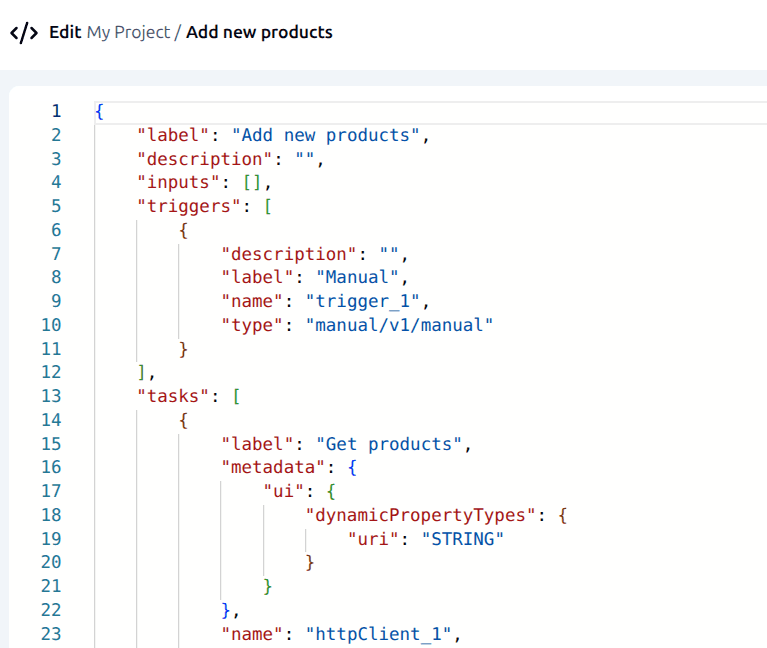
Or skip the canvas altogether: open any workflow in the code editor, edit its JSON definition directly and test it from the same view.
Call REST APIs and internal services directly from the same workflow, without leaving the platform.
Open source at the core
ByteChef's Community Edition is open source under Apache 2.0, giving developers the freedom to inspect, extend, fork and self-host the platform.
Build automation into your development stack, extend the platform with your own components and use ByteChef as the foundation for internal tools or embedded automation.
Take it further
ENTERPRISE EDITIONAPI Platform
COMING SOONPublish workflows as your own REST API, with per-consumer API-client credentials so access can be granted or revoked independently.
Embedded iPaaS
Embed ByteChef's workflow engine and integrations inside your own product, white-labeled as yours.
Model Context Protocol (MCP)
Turn your ByteChef workflows and actions into tools that AI assistants can discover and use. MCP connects your automations to compatible AI clients through an open standard.
Publish the tools you choose
Connect AI assistants to ByteChef through the MCP. Expose the workflows and actions you choose so compatible assistants can discover and use them.
Access is controlled through credentials, so you decide which assistants can connect. Disable a tool or remove a credential and access is revoked immediately.
Explore MCP Servers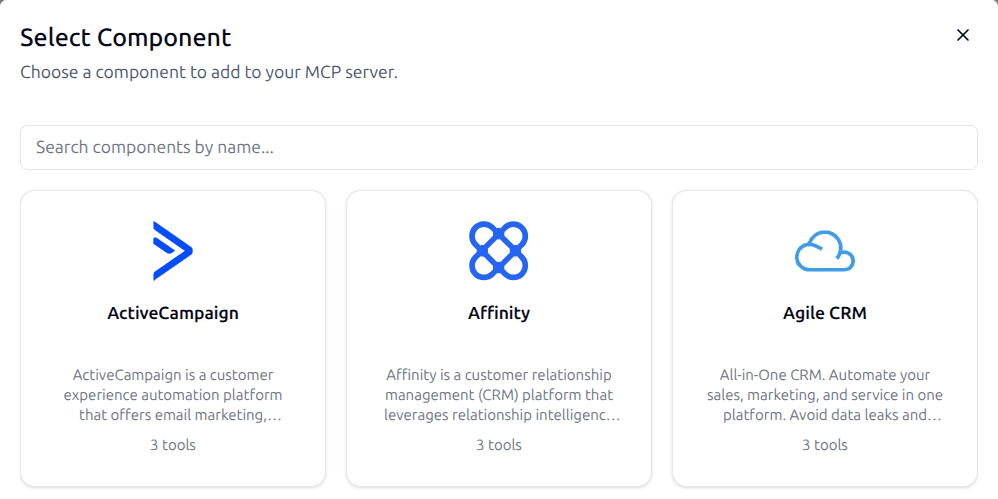
Don't miss what comes next
Curious what's coming or waiting for a feature to ship? Subscribe to be the first to know when it launches, plus get release notes, new feature announcements and subscriber-only discounts.
By subscribing, you agree to receive emails from ByteChef and to our Privacy Policy. You can unsubscribe at any time.